
Conference Technical Production Checklist
A technical checklist for conference audio, screens, playback, lighting, speaker readiness, communications, streaming and contingencies.
Reviewed by Upshot Concept · Last updated 26 July 2026
Define the programme before the system
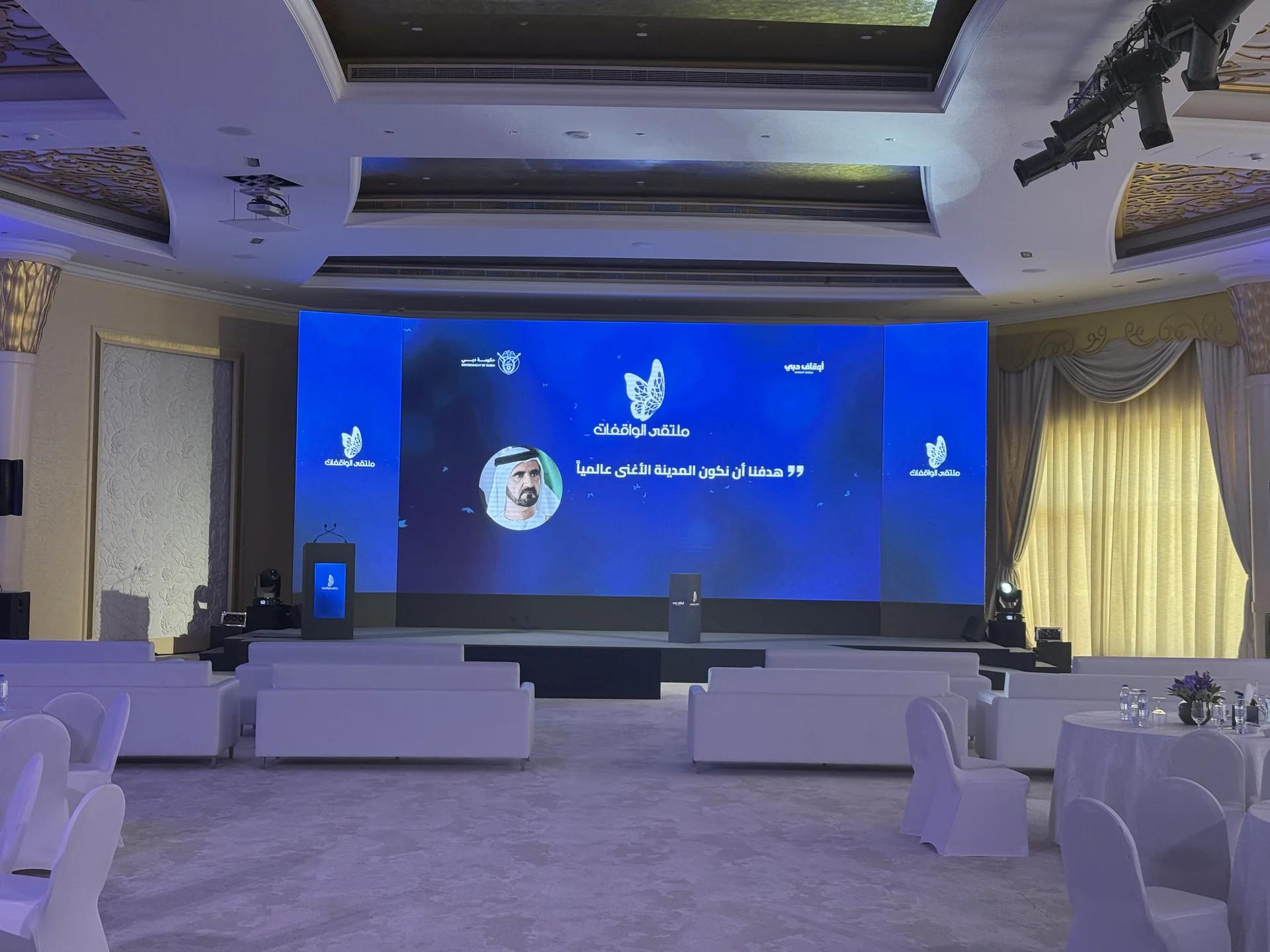
Technical design should begin with the agenda, room, audience and content formats. A keynote, panel, awards segment, remote contribution and entertainment performance each place different demands on audio, lighting, video and stage management.
List every input and output: microphones, laptops, presentation files, videos, confidence monitors, timers, remote callers, recording feeds and streaming platforms. Unknown inputs become show-day risks.
Audio and speaker readiness
Confirm microphone types and quantities for presenters, panels, audience questions and backups. Check lectern position, foldback requirements, playback audio, interpretation needs and how microphones move between speakers.
Every presenter should know where to stand, how they advance slides, what appears on confidence screens and who will help if something changes. A short briefing prevents many avoidable live interruptions.
Screens, content and playback
Confirm screen dimensions, aspect ratios, safe content areas, resolution and viewing distance. Establish a single route for receiving, naming, checking and approving presentation and video files.
Playback machines should be prepared consistently and critical content should have a tested backup path. Do not rely on last-minute files opening correctly simply because they worked on the presenter’s laptop.
Lighting, power and communications
Conference lighting must support the room and the camera. Check speaker visibility, panel coverage, scenic treatment, audience requirements and transitions between programme states. Power distribution and backup decisions should match the actual technical load and venue conditions.
The show caller, stage manager and technical operators need reliable communications. Define talkback channels, cue language and the method for reporting faults without interrupting the room.
Technical rehearsal and contingency
Run the complete signal path before rehearsing speakers: microphones, playback, screens, remote calls, recording and stream. Then rehearse the programme transitions that require coordinated cues.
Document practical contingencies for the highest-impact failures. That may include a spare microphone, backup playback route, alternate remote-speaker plan or a clear hold procedure. A contingency is only useful if it has an owner and has been tested.